How to log recurring tags faster in obseed
Reuse a previous comment or fill in a whole tag entry from your history. Try it the next time you log coffee in the obseed web app.
obseed Team
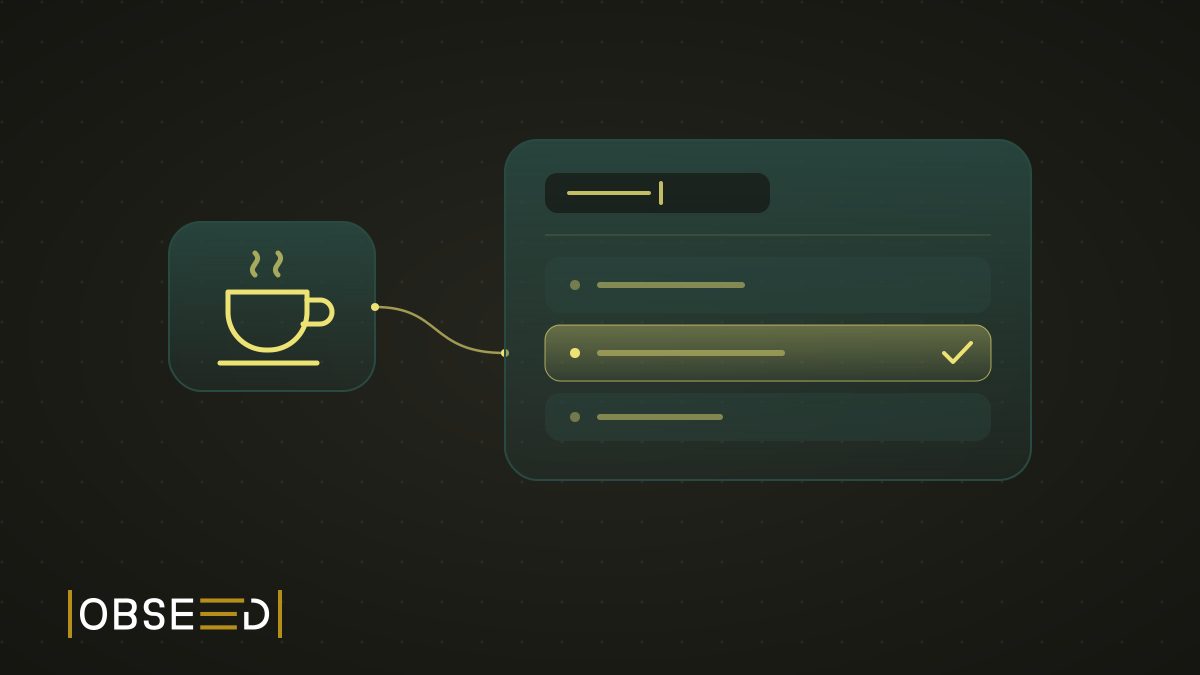
You logged a filter coffee before yesterday’s morning run. Same coffee today. Open the Caffeine tag and pick yesterday’s comment. You can also fill the form from the whole entry.
Bring back a comment
Open the journal in the web app and click + at the top. Select Caffeine and click Next. In the tag details, click the empty comment field. obseed shows comments you’ve used before. Type “Bef” to narrow the list, then choose “Before my morning run.” That fills in the comment field.
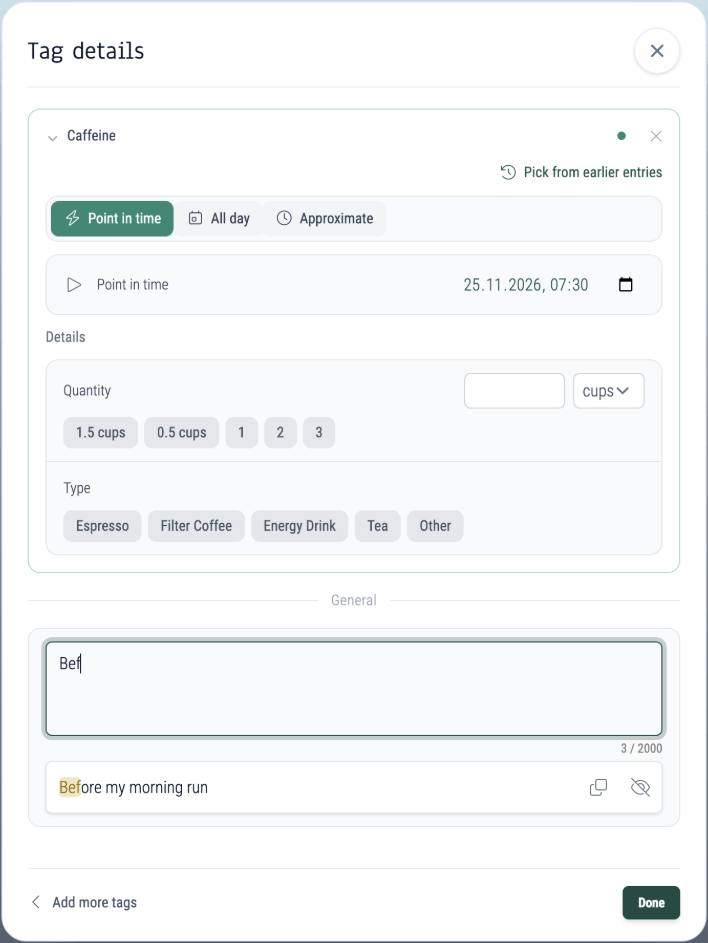
Under Quantity, you’ll also see amounts you’ve logged before. In fields with a fixed set of options, choices you’ve used often or recently appear higher up. A suggestion past its use-by date? Click the crossed-out eye to hide it. The earlier entry is still in your journal.
Use yesterday’s coffee entry
If the quantity, type and comment all fit, open Pick from earlier entries. Pick the filter coffee with the comment “Before my morning run.” obseed fills in the values and comment. The new entry keeps its date and time.
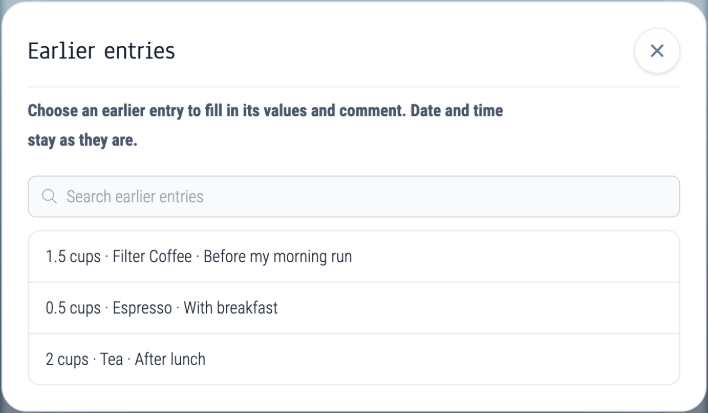
Only one cup today? Change the quantity. Click Done to save.
In the daily check-in, previous values appear in supported text fields. To reuse a whole entry, open the tag details.
Find those entries in your journal
Open the journal from your profile and switch to the weekly or monthly view. Look across the Caffeine row to see which days you logged an entry. The weekly and monthly views article shows how to read the grid. If you’re new to tags, start with Universal Tagging.
Read Next
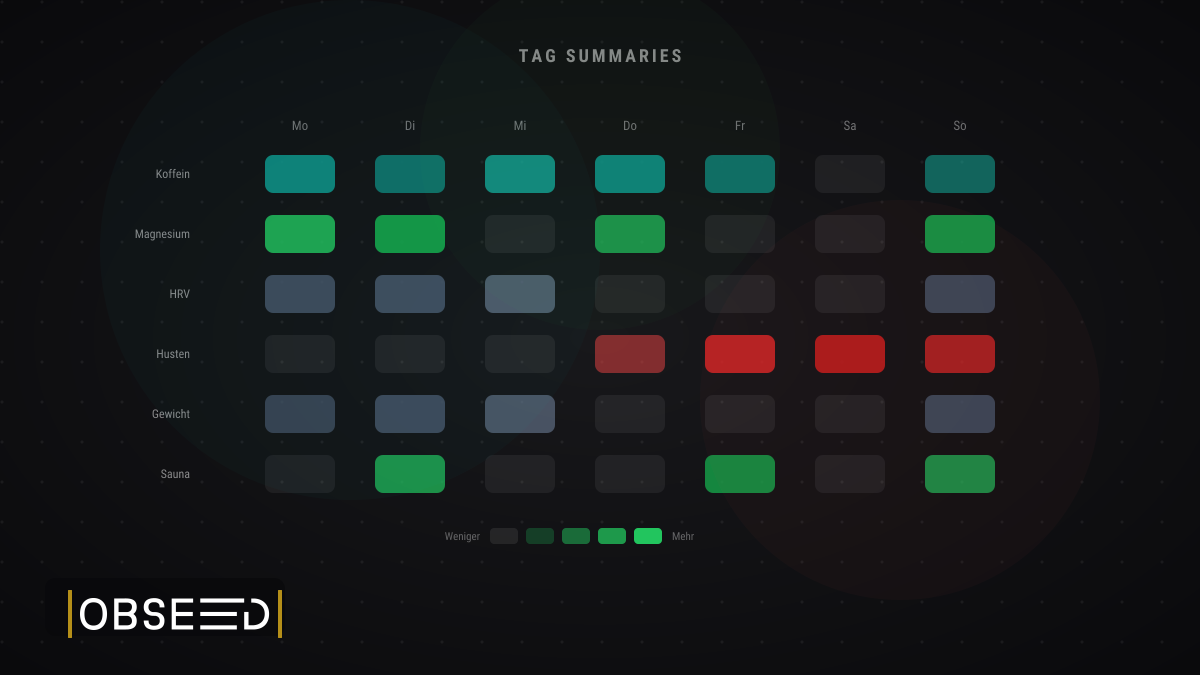
Weekly and Monthly Views: See the Pattern in Your Tags
Your daily tags now become visual heatmaps. obseed weekly and monthly views reveal supplement gaps, sickness arcs, and caffeine rhythms at a glance.

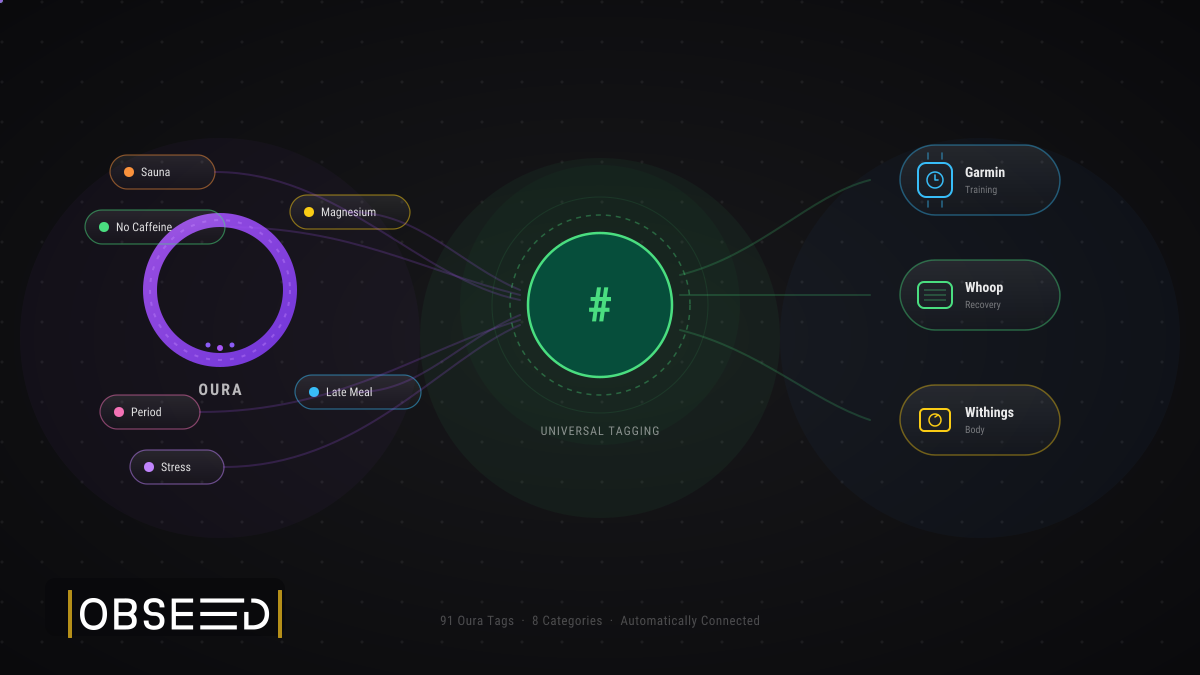
Oura Tags in obseed: 92 Signals, Automatically Connected to Your Entire Stack
92 Oura tags flow automatically into obseed, where they are correlated with data from Garmin, WHOOP, Withings, and Wahoo. You never enter anything twice.
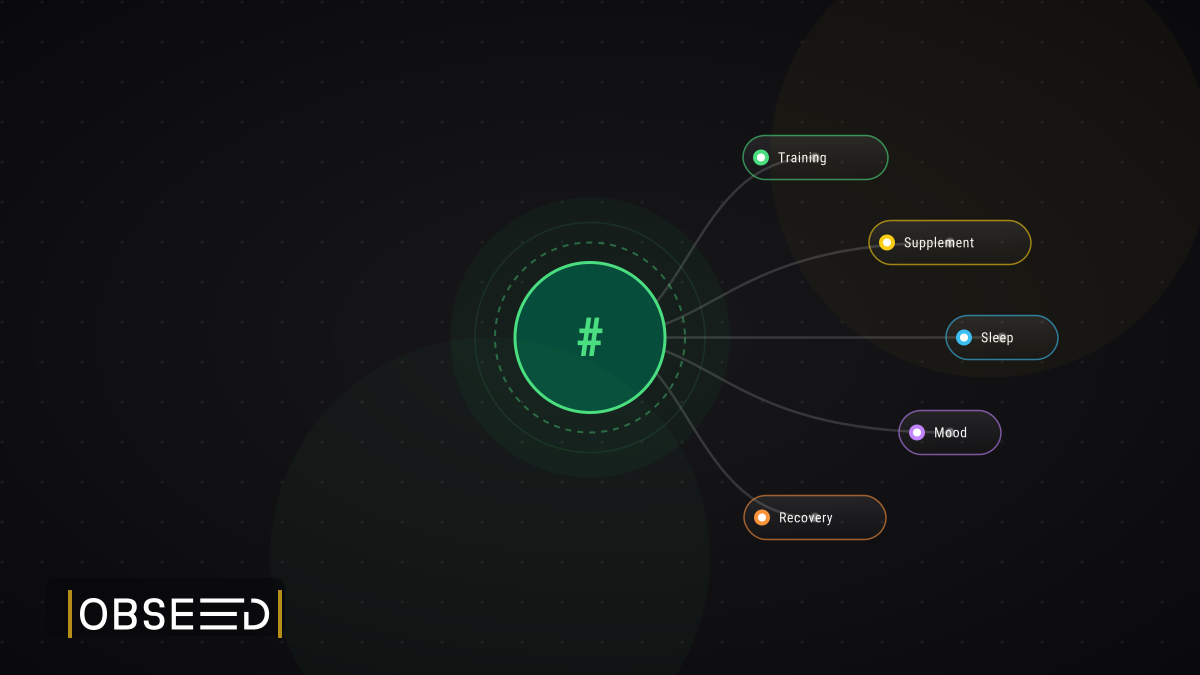
Universal Hierarchical Multi-Tagging in obseed: Context for Your Health Data
Your wearable measures what happens, not why. Universal Tagging in obseed: over 290 tags in 10 categories, 6 time models, correlation across all devices.