New Feature: Log the Fuel Behind Every Session
Attach real sport-nutrition products to each session and capture the exact carbs, sodium, caffeine, and calories you took in, next to what you burned.

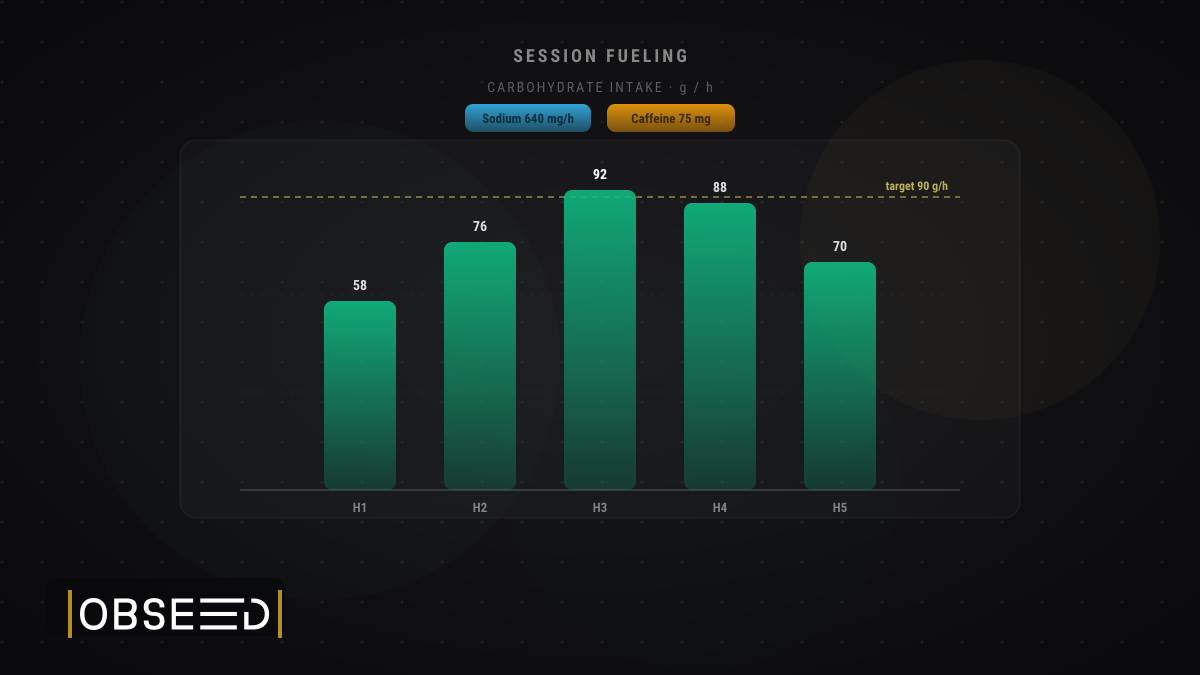
TL;DR: You can now attach the actual products you fuelled with (gels, drink mixes, bars, electrolyte tabs) to any training session in obseed. Pick a serving, set the quantity, and obseed records the exact carbs, fats, proteins, sodium, potassium, caffeine, and calories you took in. Paired with Energy Spread, you finally see fuel in next to energy out.
Your session data already knows a lot about what you did: how long you rode, how hard your heart worked, how many calories you burned. What it never knew was the other half of the equation: what you actually put in during those hours. That gel at kilometre 30. The bottle you sipped every twenty minutes. The caffeine shot before the final climb. Starting today, obseed captures that too.
How It Works
Open any sport session and add what you fuelled with. For each item you:
- Pick a product from the catalogue: a carbohydrate drink mix, an energy gel, a bar, an electrolyte tablet.
- Choose a serving unit: a “60 g bottle”, a “70 g tube”, “1 tablet (4.5 g)”. These are the real portions the product actually comes in, not an abstract “100 g”.
- Set a quantity: two bottles, three gels, half a bar.
From there obseed does the maths. It takes the product’s real nutrient profile and your serving, and records exactly what you consumed: carbohydrates, fats, proteins, sodium, potassium, caffeine, and calories. Those numbers are snapshotted onto the session, so even if a product’s data is corrected later, your history stays exactly as it was on race day.
Fuelled with something that isn’t in the catalogue? Add an own entry by hand with its own nutrient values. Nothing gets left out of the picture.
A Real Catalogue, Built In
We didn’t want you typing macros off the back of a wrapper. The first catalogue bundled into obseed is the full Sponser range: 35 real products, from the Competition and Isotonic drink mixes to High Energy Bars, Power Gums, Liquid Energy gels, electrolyte tabs, and the caffeinated Activator shots. Each one carries its true per-serving profile, right down to caffeine content where it applies.
Sponser is the first catalogue in obseed, not the last. It’s the start of a growing built-in library so that “log what I fuelled with” stays a two-tap job, not a data-entry chore.
Fuel In, Next to Energy Out
This is where it gets interesting. obseed’s Energy Spread already shows you the output side: how much energy your body spent across a session and how that splits across carbohydrates, fats, and proteins. It’s the picture of what you burned.
The fuelling log is the mirror image: what you took in. Put them side by side and obseed can show the story that actually matters on a long day — your carbohydrate intake per hour, your sodium per hour, and the gap between the calories you burned and the calories you replaced. Under-fuelling a five-hour ride stops being a vague feeling and becomes a number you can see.
Why It Matters
For anyone training seriously, fuelling is training, and most of us guess at it. Logging the real thing turns guesswork into a record you can learn from:
- Dial in race day. See whether the fuelling plan you rehearsed actually delivered the 90 g of carbs per hour you were aiming for.
- Catch the shortfall. Spot the sessions where intake fell well behind expenditure, the ones that leave you flat two days later.
- Learn your own gut. Match how you felt to what you took in, and find the products and doses your stomach actually tolerates under load.
Log in, open your next session, and add what you fuelled with. Then head to Energy Spread and watch the two halves finally line up.
Read Next
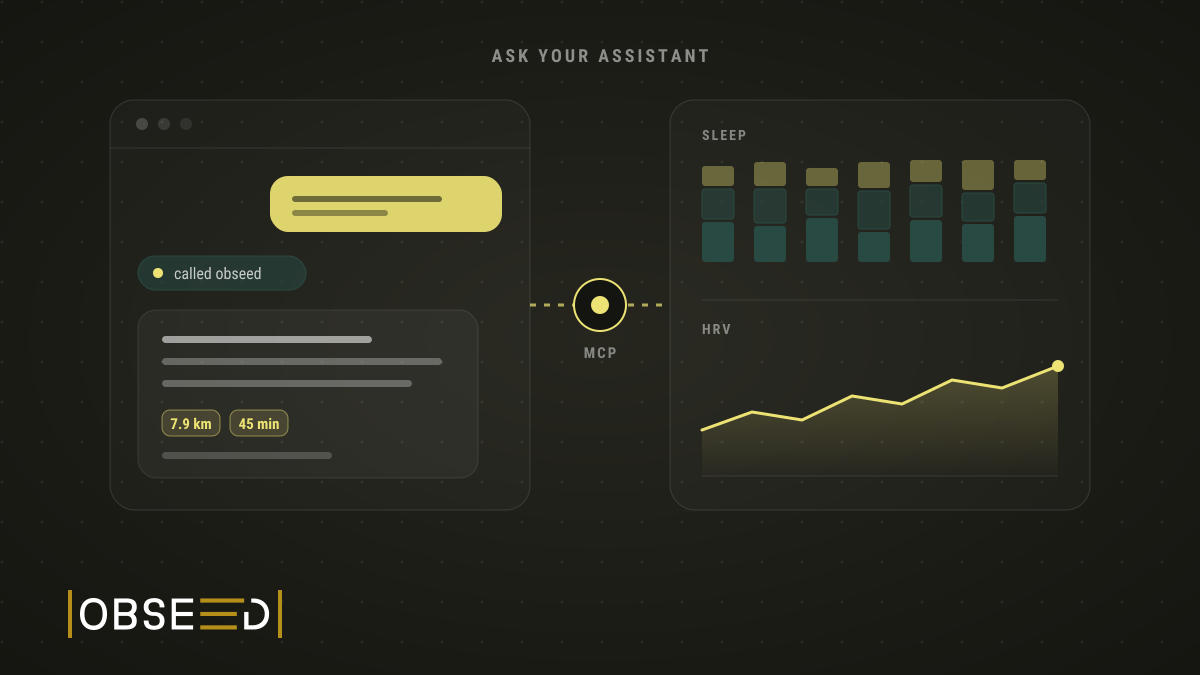
New Feature: Ask Claude About Your Training
I ask Claude and ChatGPT about my sleep, HRV and training. Now they also log tags and session details, once I confirm in obseed.

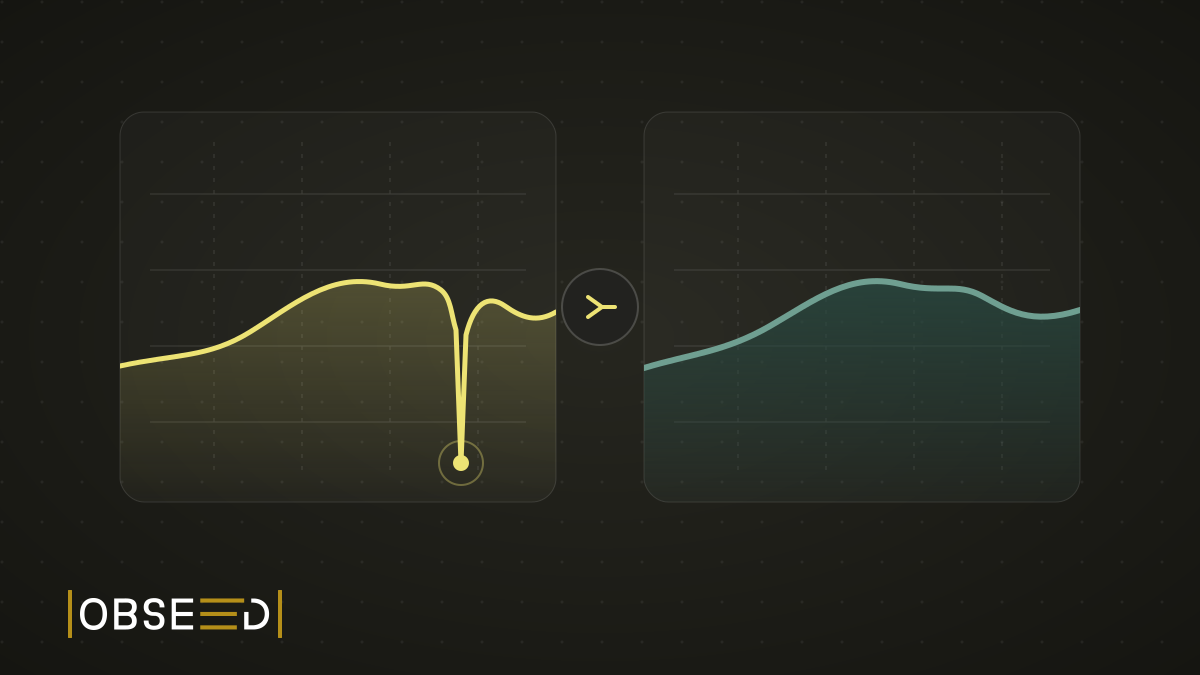
New Feature: The Mountain That Never Happened
My watch went for a swim in a fountain and invented about 100 metres of climbing. obseed now corrects errors like this automatically, even in old sessions.
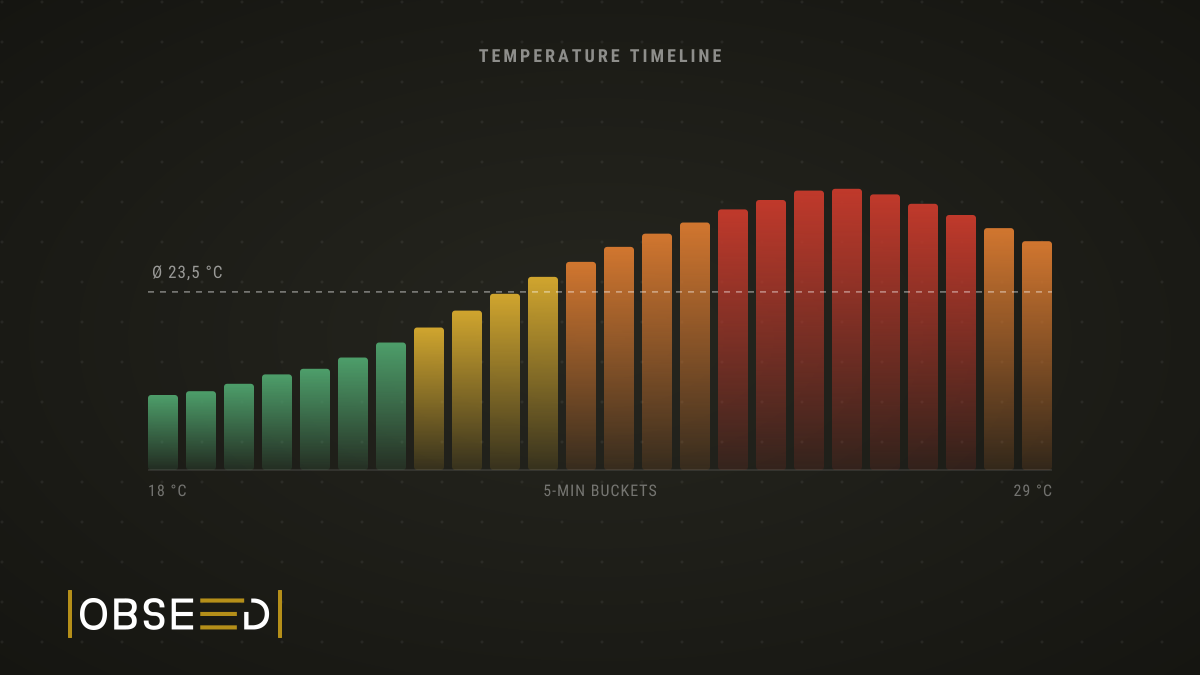
New Feature: Not How Hot It Was, But When
obseed now breaks your session into five-minute slices and shows the temperature curve instead of a single average, with a heat load reading per slice.