New Feature: Wahoo Integration – Your Cycling Workouts in obseed
obseed now integrates with Wahoo ELEMNT, KICKR, and BOLT — automatically syncing your cycling workouts, power zones, and FTP from full FIT file imports.

We’re excited to announce full integration with Wahoo Fitness — the platform behind the popular ELEMNT bike computers, KICKR trainers, and heart rate sensors. Starting today, your Wahoo workouts are automatically synced to obseed in real time, including your entire training history. Wahoo is now the sixth data provider we fully support, alongside Garmin, Oura, Whoop, Withings, and Apple Health.
What Data We Sync
Our Wahoo integration brings three categories of data into your obseed profile:
- Workouts & Activities: Every workout recorded on your Wahoo ELEMNT lands automatically in obseed — whether it’s cycling, running, or indoor training on the KICKR. We import the full FIT files, the same data format used by Garmin. That means full detail depth with GPS tracks, power data, heart rate, cadence, and more.
- Body Weight: If you track your weight in your Wahoo profile, it’s automatically imported — useful for calculating power-to-weight ratios (W/kg).
- Power Zones & FTP: Your power zones and current FTP (Functional Threshold Power) configured in Wahoo are automatically imported when you first connect. No manual entry needed — your training zones are ready to go immediately.
Real-Time & Historical Syncs
Real-time updates via webhooks: The moment you finish a workout on your Wahoo ELEMNT and it syncs, obseed automatically receives a notification. The corresponding FIT file is downloaded and processed in the background — without you having to do anything.
Complete training history on first connect: When you first connect, we import your entire Wahoo training history — page by page, workout by workout. Only workouts with complete recording data are imported. If the connection is interrupted, the import seamlessly picks up where it left off — no workout is ever lost.
Smart Duplicate Detection
Using both Apple Health and Wahoo? No problem. obseed automatically detects workouts originating from Wahoo devices (ELEMNT, KICKR, BOLT) and prevents duplicate entries. The direct Wahoo connection always takes priority — for maximum data quality. When you connect or disconnect Wahoo, your Apple Health data is automatically reprocessed to keep everything consistent.
Secure Connection & Privacy
The connection to Wahoo uses the industry-standard OAuth2 protocol. You sign in directly with Wahoo and grant obseed read-only access — your Wahoo password is never shared with us. Access tokens are automatically refreshed, so under normal circumstances you never need to re-authenticate.
If the connection is ever interrupted, obseed proactively detects the issue and shows you a prompt to reconnect. One click and you’re synced again.
Log in today, head to your Profile Settings, and connect your Wahoo account to get started! Whether you train on the ELEMNT or the KICKR — your data is now at home in obseed.
Read Next
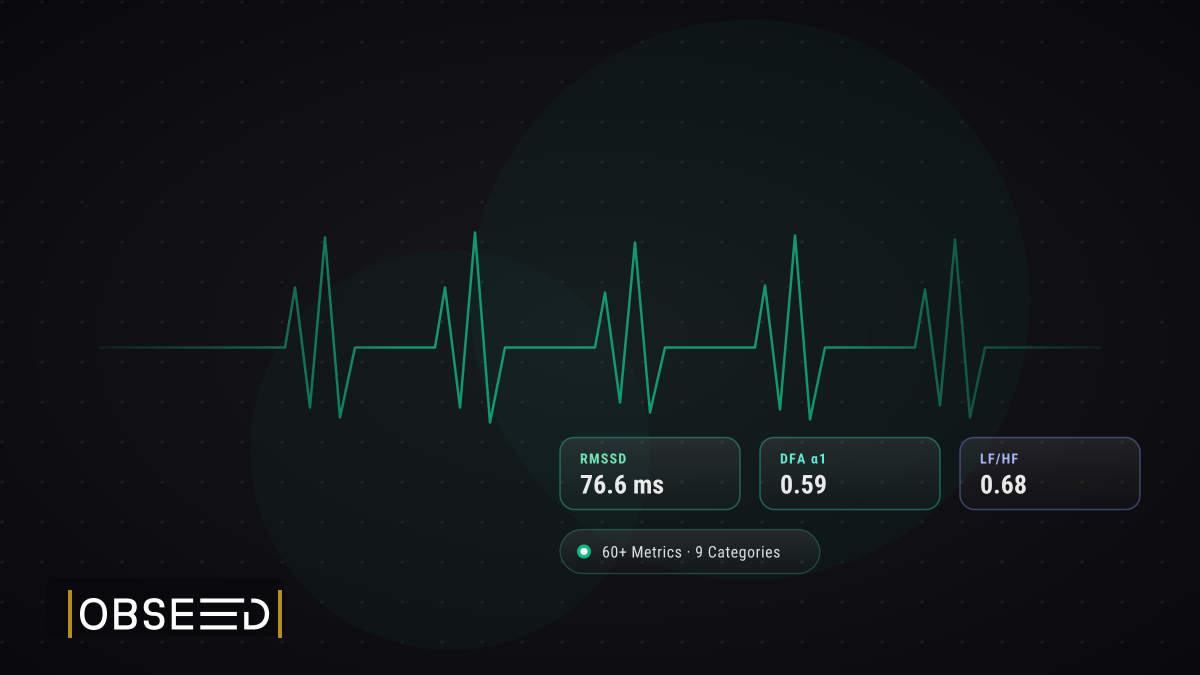
Your Nervous System, Decoded: HRV Analytics in obseed
60+ HRV metrics across 9 physiological categories from your wearable. Research-grade analysis: Poincaré, DFA alpha-1, multiscale entropy, personal baseline, and 15-page reports.

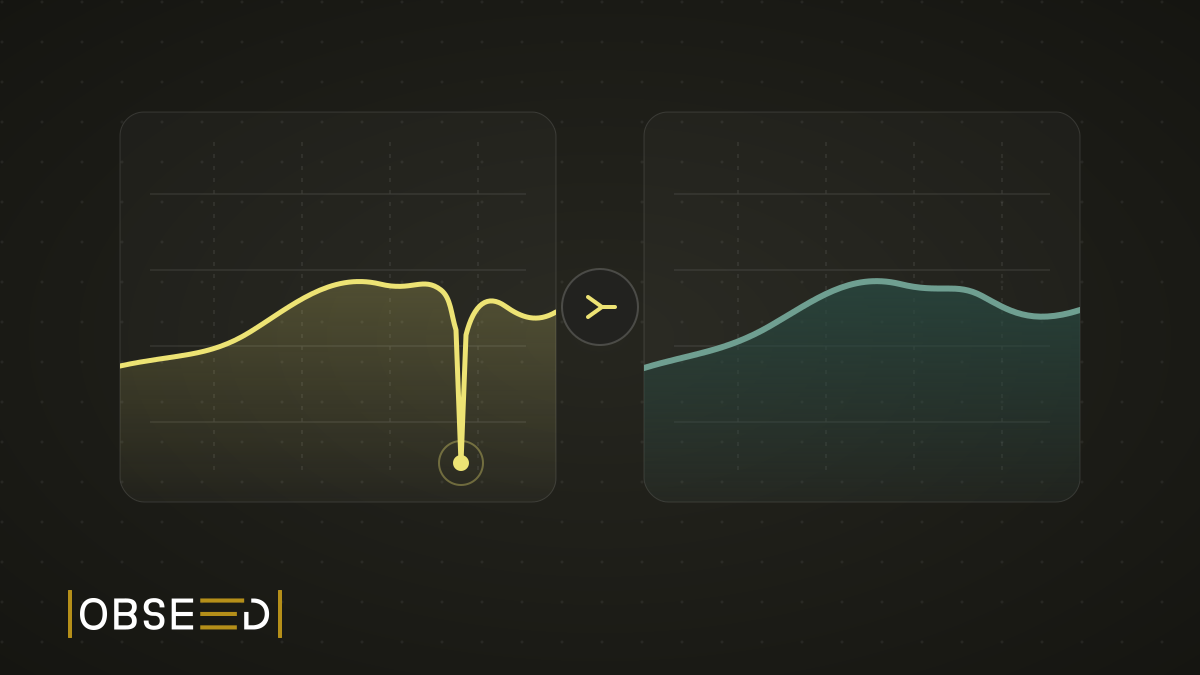
New Feature: The Mountain That Never Happened
My watch went for a swim in a fountain and invented roughly 100 metres of climbing. obseed now corrects errors like this automatically, including in your old sessions.
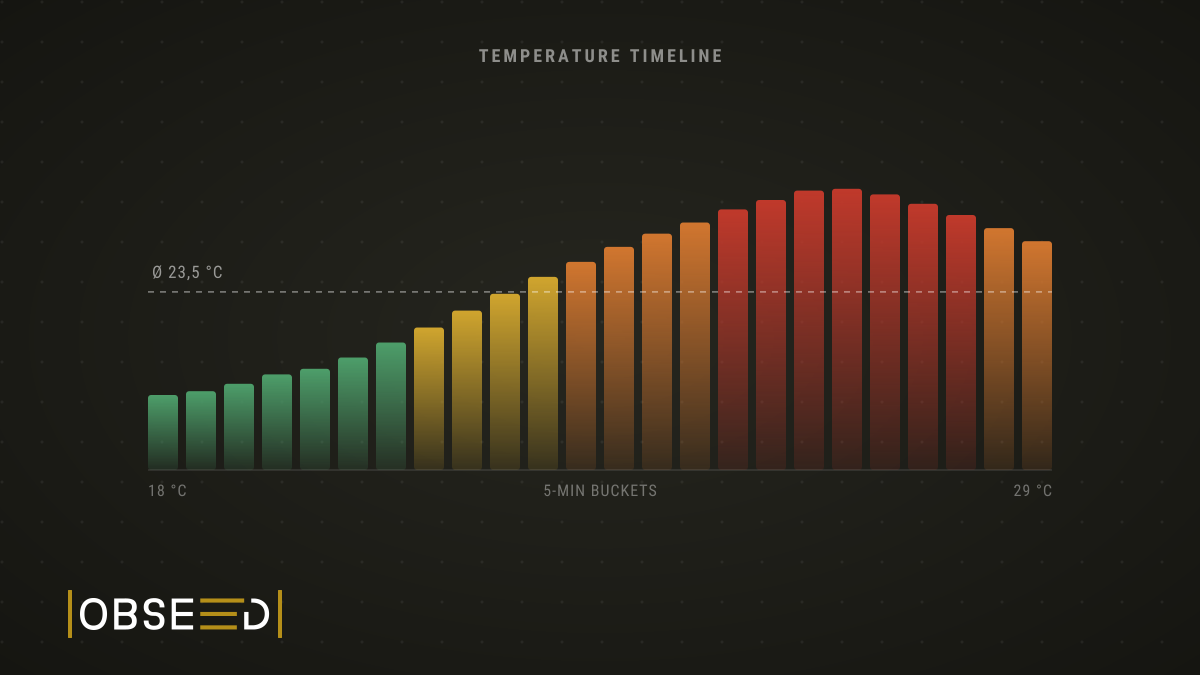
New Feature: Not How Hot It Was, But When
obseed now breaks your session into five-minute slices and shows the temperature curve instead of a single average, with a heat load reading per slice and honest gaps wherever the data does not reach.