New Feature: Your Training and Sleep, Now in Your Calendar
obseed now offers a personal iCalendar feed: subscribe once to see your sessions, competitions, and sleep in Apple Calendar, Google Calendar, or Outlook.

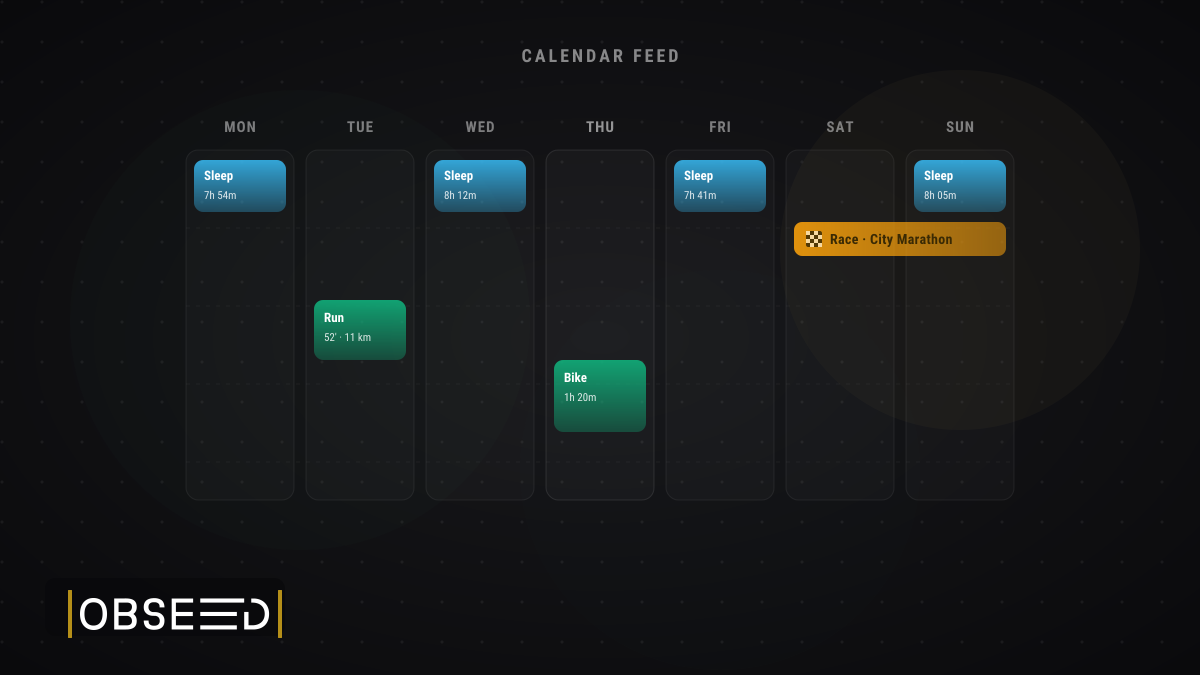
Your calendar is where you already plan your life: meetings, deadlines, dinner with friends. But your training week tends to live somewhere else entirely: in obseed, in your head, on a whiteboard. Starting today, that changes. You can now subscribe to a personal calendar feed that drops your sport sessions, your competitions, and (this is the new part) your sleep straight into the calendar app you already open every day.
It’s a standard iCalendar (ICS) feed. You create a link in obseed, paste it into Apple Calendar, Google Calendar, or Outlook once, and from then on it stays in sync on its own. No exporting, no re-importing, no manual updates.
What Lands in Your Calendar
Three feeds are available. Pick the ones you want, and each gets its own link:
- Sport sessions: Every recorded session shows up as a timed event. The activity type and name sit in the title, with duration, distance, and average heart rate in the details. If the session has a start location, that comes along too, so you can see at a glance where Tuesday’s run actually happened.
- Competitions: Your races land as all-day events on the right date, with your target time and priority right there in the entry. Your season plan finally sits next to the rest of your life, not in a separate app you have to remember to check.
- Sleep (new): This is the niche-but-nice one. Each night becomes a timed block spanning when you actually fell asleep and woke up, with the full breakdown in the details: total duration, deep, light, REM, and awake time, your sleep score, and which device recorded it. Scroll back through the week and you can literally see your nights next to your training.
One Link, Stays in Sync
Because this is the open iCalendar standard, it works with essentially every calendar app out there, on your phone, your laptop, wherever you already look. Your calendar refreshes the feed on its own schedule, so new sessions, upcoming races, and last night’s sleep appear without you lifting a finger. Subscribe once and forget about it.
Private by Design
A calendar feed is a link, and a link can travel, so we built this to keep you firmly in control. Each feed carries a private token that we only ever store as a one-way hash: we can’t reverse it, and it’s kept out of our logs. The feed is read-only and never indexed by search engines. And if a link ever ends up somewhere it shouldn’t, you can rotate it (the old one dies instantly and a fresh link takes its place) or revoke it entirely. Both take one click in your settings, anytime.
Set It Up
Head to your calendar subscription settings in obseed, create a feed for sessions, competitions, or sleep, give it a name, and copy the link. Paste it into your calendar app as a new subscription, and that’s it. You’re done.
Log in today and add your first feed. And if you’ve ever wanted to see last night’s sleep sitting right next to this morning’s run, well, now you can.
Read Next
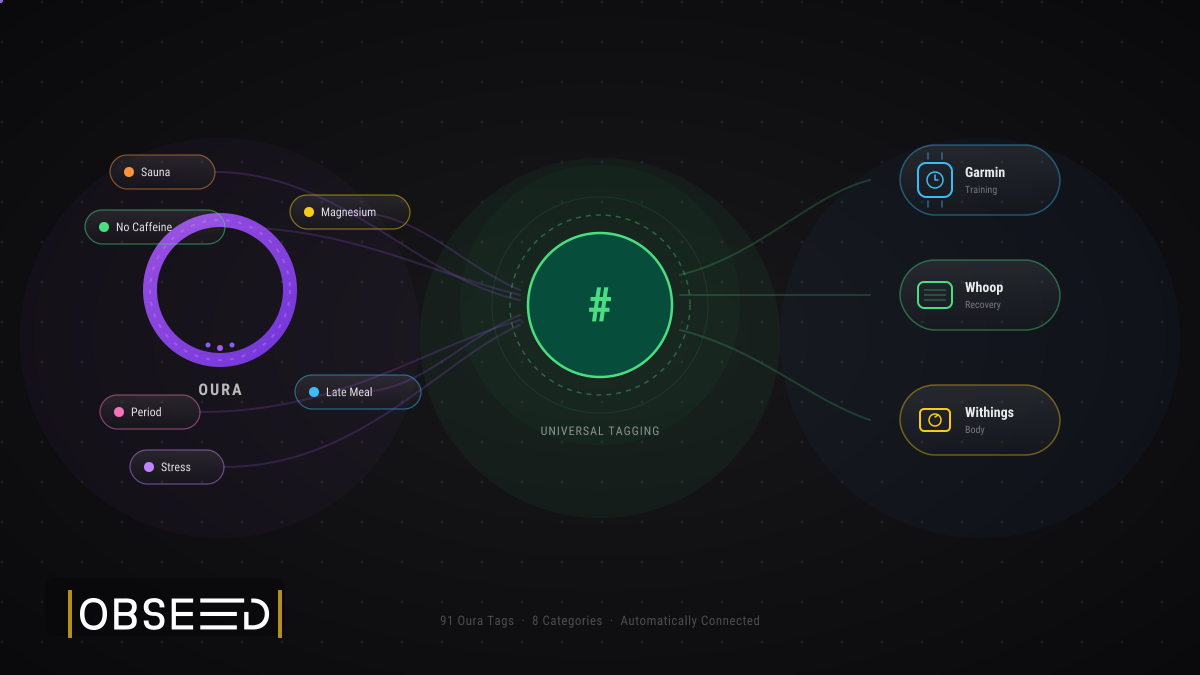
Oura Tags in obseed: 91 Signals, Automatically Connected to Your Entire Stack
91 Oura tags flow automatically into obseed — correlating with Garmin, Whoop, Withings, and Wahoo. No double entry. No silos. Your full picture.

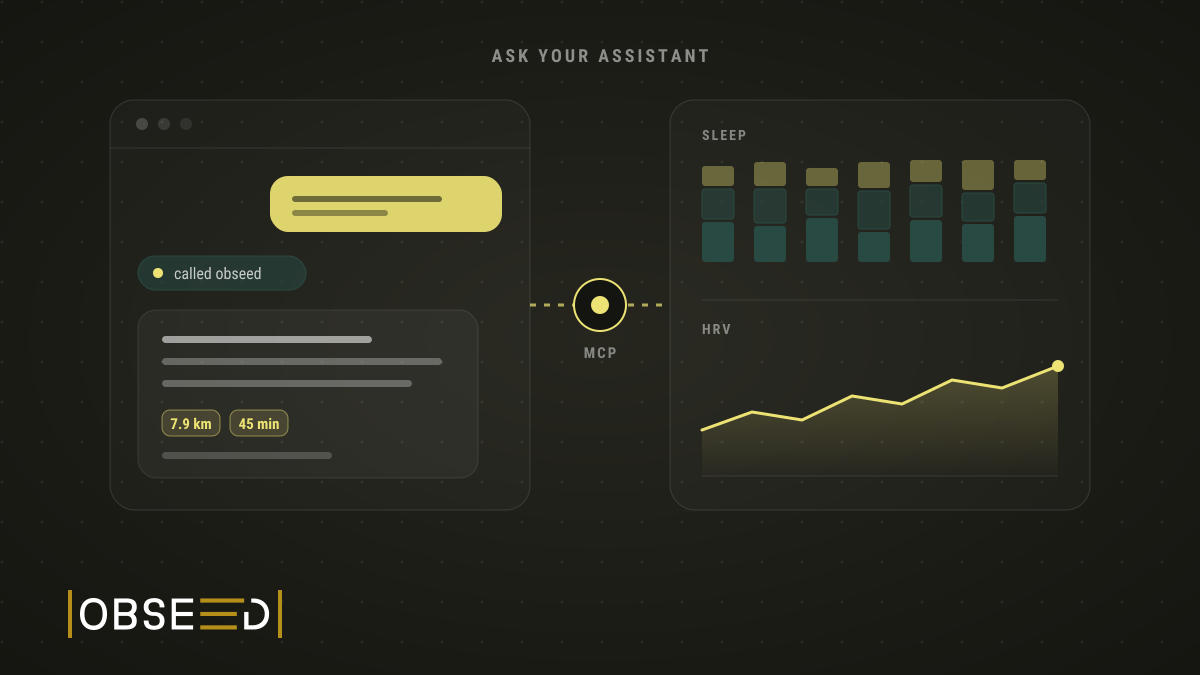
New Feature: Ask Claude About Your Training
I ask Claude and ChatGPT about my sleep, HRV and training. Now they also log tags and session details, once I confirm in obseed.
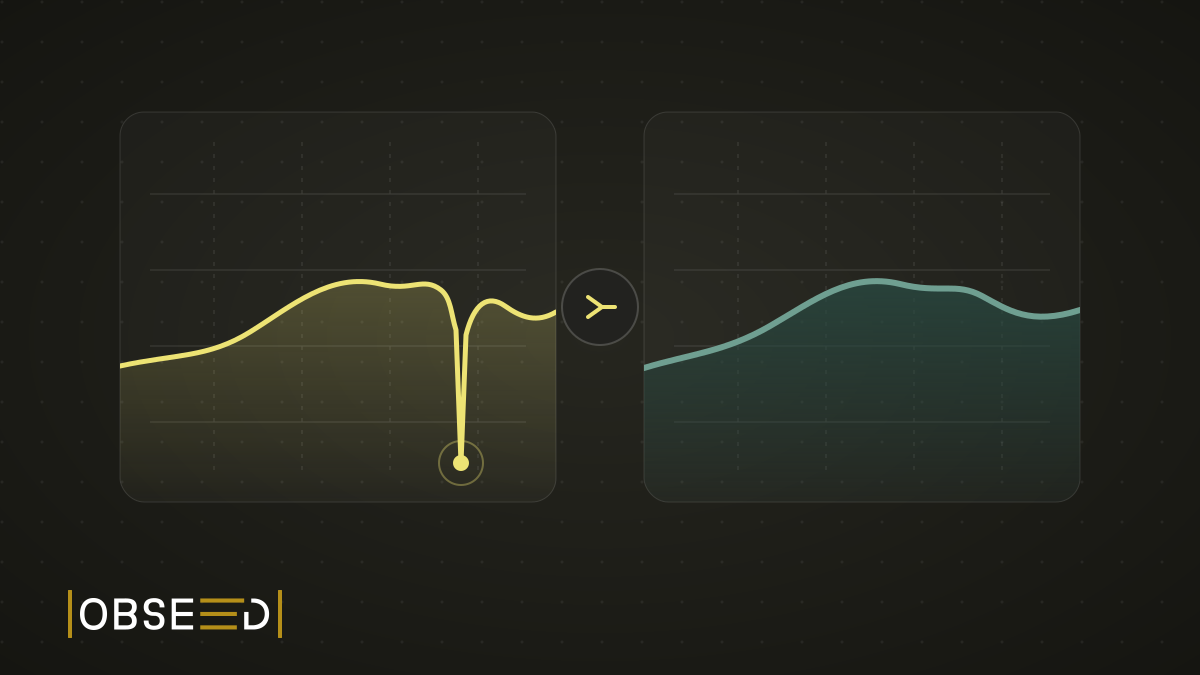
New Feature: The Mountain That Never Happened
My watch went for a swim in a fountain and invented about 100 metres of climbing. obseed now corrects errors like this automatically, even in old sessions.