New Feature: Whoop Integration – Your Recovery Data in obseed
obseed now syncs your Whoop recovery metrics — HRV, sleep stages, resting heart rate, skin temperature, and respiratory rate — automatically and in real time.

We’re excited to announce full integration with Whoop — the recovery-focused wearable trusted by athletes and biohackers alike. Starting today, your key recovery and sleep metrics automatically flow into your obseed profile. Whoop is now the fifth data provider we fully support, alongside Garmin, Oura, Wahoo, and Withings.
What Data We Sync
The Whoop integration imports five core health metrics that give you a deep understanding of your recovery and sleep quality:
- Sleep: Total sleep duration along with a breakdown into deep sleep, light sleep, and REM stages. Naps are automatically detected and reported separately. At a glance, you can see whether your sleep was truly restorative.
- Sleep Respiration: Your average nightly respiratory rate — an often underestimated indicator that reveals insights about your sleep quality and overall well-being.
- Heart Rate Variability (HRV): The nightly average of your RMSSD value in milliseconds — one of the most important biomarkers for recovery, stress load, and training readiness. Higher values generally indicate better recovery.
- Resting Heart Rate: Your lowest heart rate during sleep. A declining resting heart rate over time is a sign of improved cardiovascular fitness.
- Skin Temperature: Your nightly skin temperature in degrees Celsius. Changes can indicate the onset of illness, hormonal fluctuations, or altered recovery patterns.
Together, these five metrics give you a holistic view of your recovery — far beyond a simple sleep score.
Real-Time & Historical Syncs
Real-time updates via webhooks: As soon as Whoop processes new sleep, recovery, or cycle data, it’s automatically pushed to obseed. You don’t need to manually sync anything — your data is there when you wake up.
Historical data on first connect: When you first connect, we import your entire Whoop history. The most recent four weeks are loaded first so you see results immediately. Older data is then backfilled in the background without affecting your experience.
Secure Connection & Privacy
The connection to Whoop uses the industry-standard OAuth2 protocol. You sign in directly with Whoop and grant obseed read-only access — your Whoop password is never shared with us.
Access tokens are automatically refreshed, so under normal circumstances you never need to re-authenticate. If the connection is ever interrupted — for example, if you revoke access on Whoop’s side — obseed proactively detects the issue and shows you a prompt to reconnect. One click and you’re synced again, without any data loss.
Log in today, head to your Profile Settings, and connect your Whoop band to get started!
Read Next
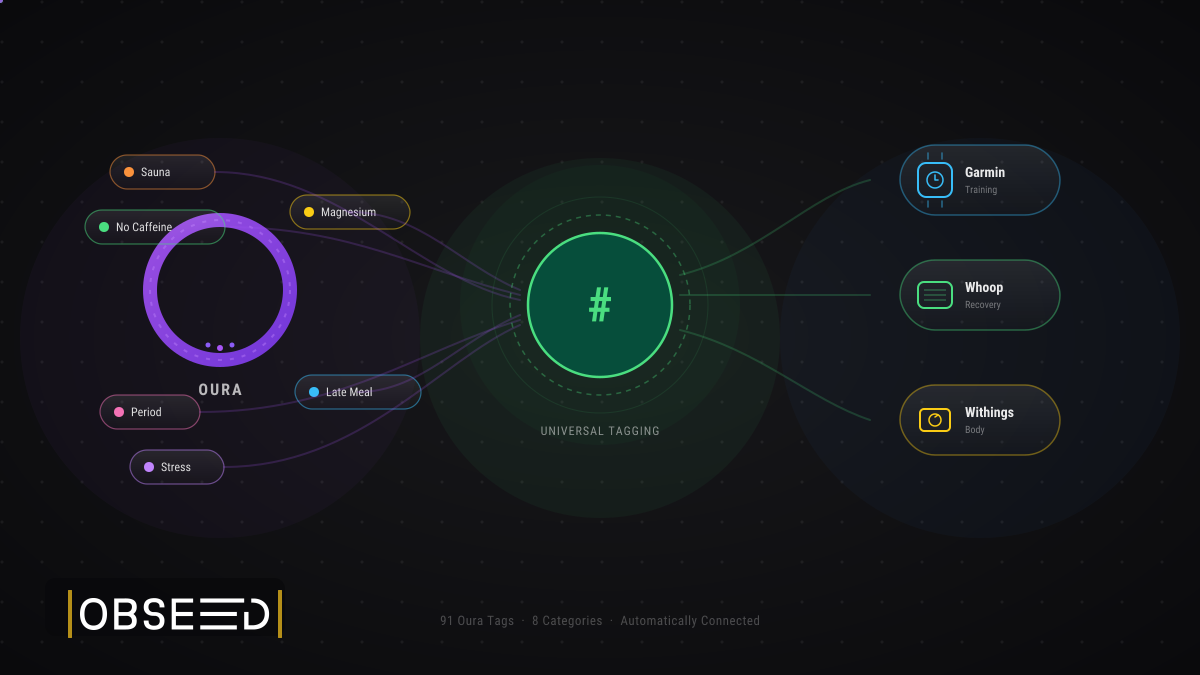
Oura Tags in obseed: 91 Signals, Automatically Connected to Your Entire Stack
91 Oura tags flow automatically into obseed — correlating with Garmin, Whoop, Withings, and Wahoo. No double entry. No silos. Your full picture.

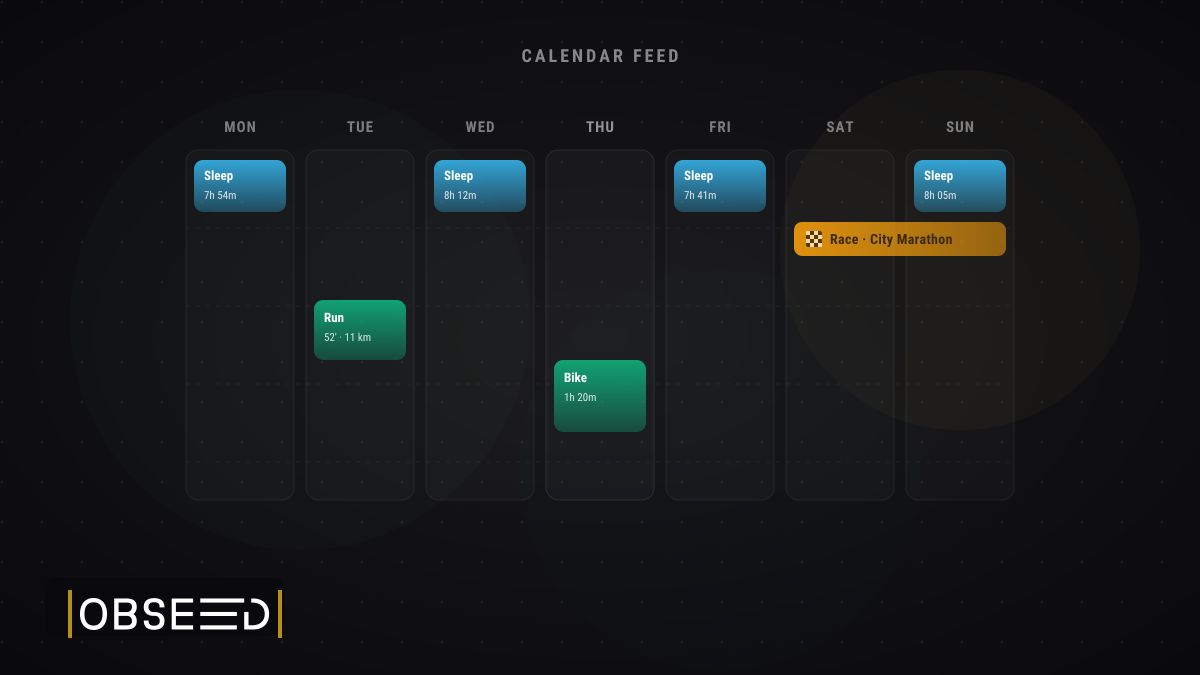
New Feature: Your Training and Sleep, Now in Your Calendar
obseed now offers a personal iCalendar feed — subscribe once to see your sport sessions, competitions, and sleep in Apple Calendar, Google Calendar, or Outlook.
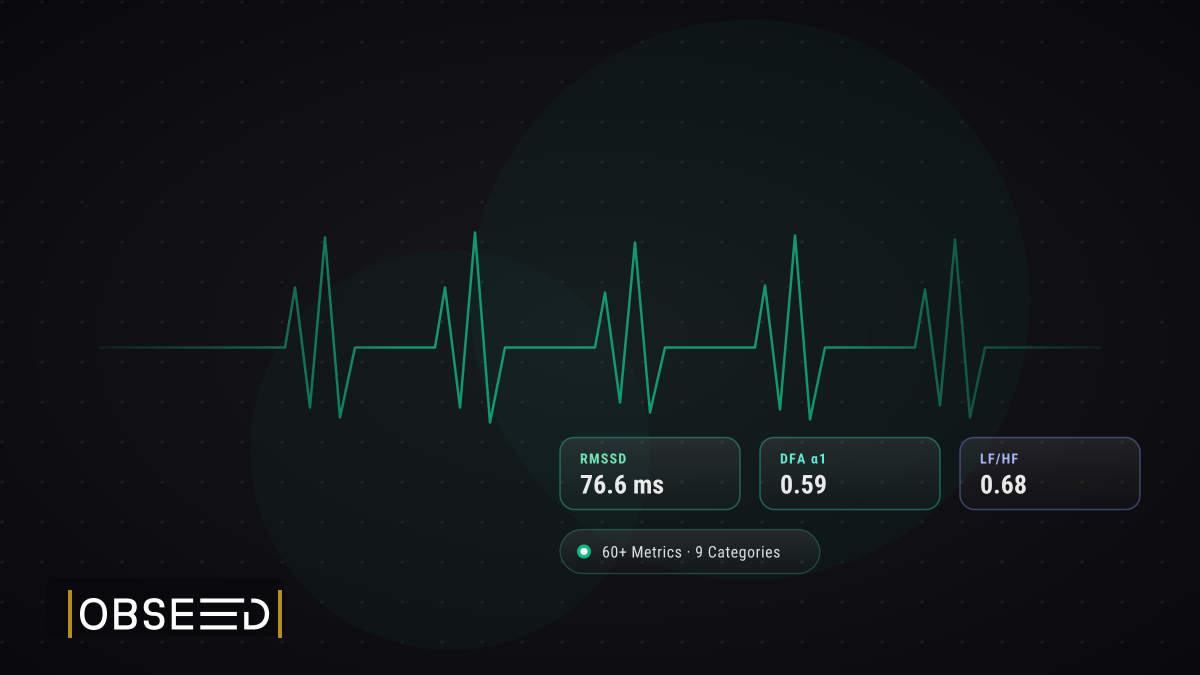
Your Nervous System, Decoded: HRV Analytics in obseed
60+ HRV metrics across 9 physiological categories from your wearable. Research-grade analysis: Poincaré, DFA alpha-1, multiscale entropy, personal baseline, and 15-page reports.